Polymet recently launched !
"Polymet helps you create well designed user interfaces and prototypes without any design experience"
TL;DR Polymet uses AI to help non-designers create production-ready designs and front-end code. They explain what they want to build or provide an image, and Polymet will design and implement it for them.
https://www.youtube.com/watch?v=rYrkikCA8fw
VIDEO
Founded by Yusuf Hilmi & Furkan Köseoğlu
Problem Most companies need help with design but don't have a designer Designers can't design fast enough or are just slow… Managers hate the long feedback loop with the designers, taking days for simple changes They want to do it themselves but learning a complex editor like Figma is hard They need to whip up a whole new demo with new features for a customer but don’t have time to design and build that
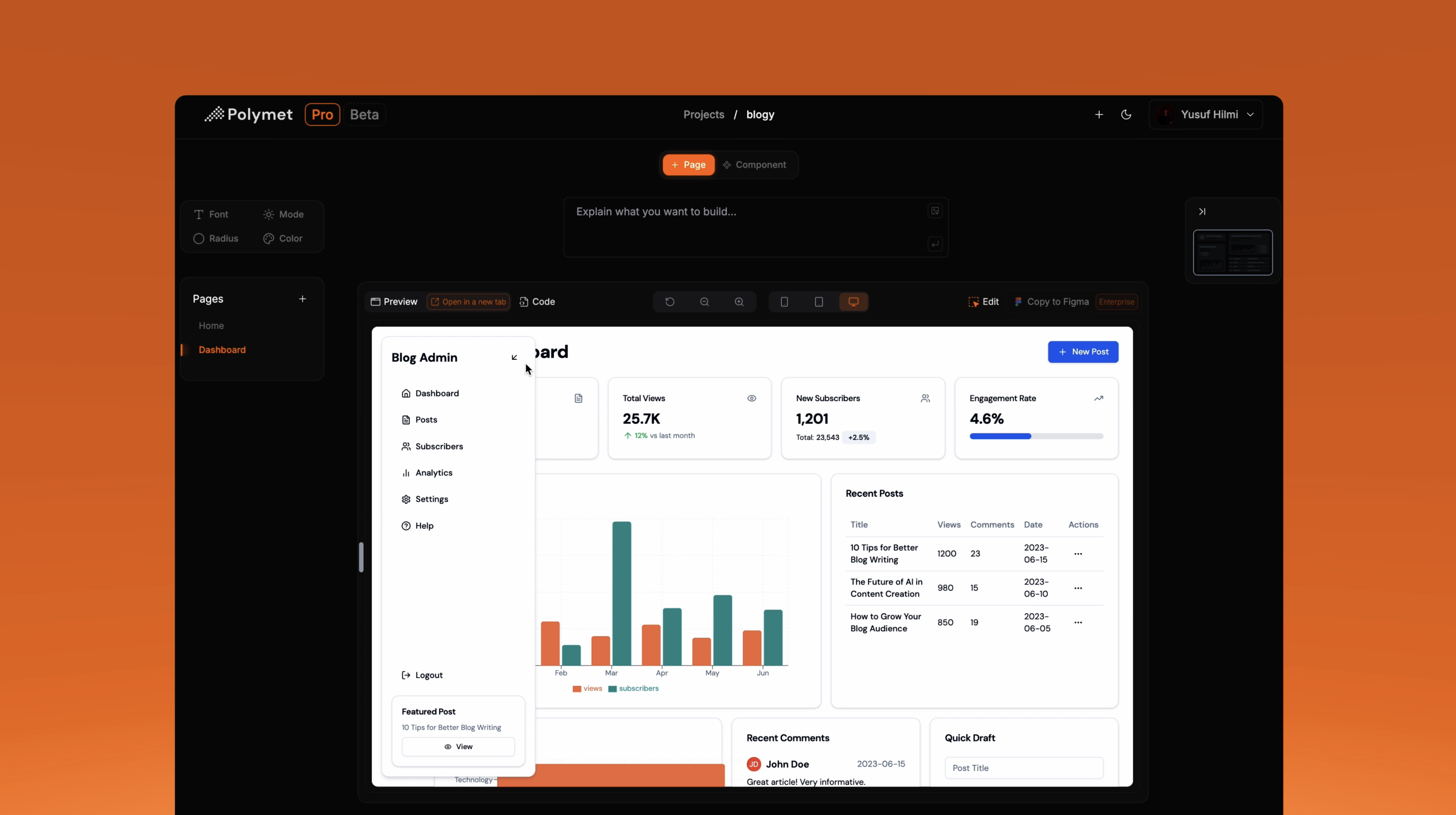
Polymet's Solution Design with AI Create designs by explaining what you need or providing images (can be hand-drawn sketches).
No design expertise required: Anyone can create beautiful and functional interfaces with Polymet Quickly flesh out prototypes: Use these for customer demos and share them with the teamQuickly explore multiple design paths: Generate multiple variations for inspirationImage Credits: Polymet Refine your designs using simple English instructions; no need to learn complex editing tools like Figma
Make changes quickly and easily, as if you're giving feedback to a designer Select individual elements to ask for improvements, just like commenting on Figma Image Credits: Polymet
Show Your Work to Customers and Teams Make demos for each customer: Create a special preview link for each client and tune the demo for themWork better with your team: Send preview links to your team to get their thoughts on your designs right away
https://app.polymet.ai/preview/cb6a2058-846d-4cbc-8eaa-8f8a8a68eaa3
Image Credits: Polymet
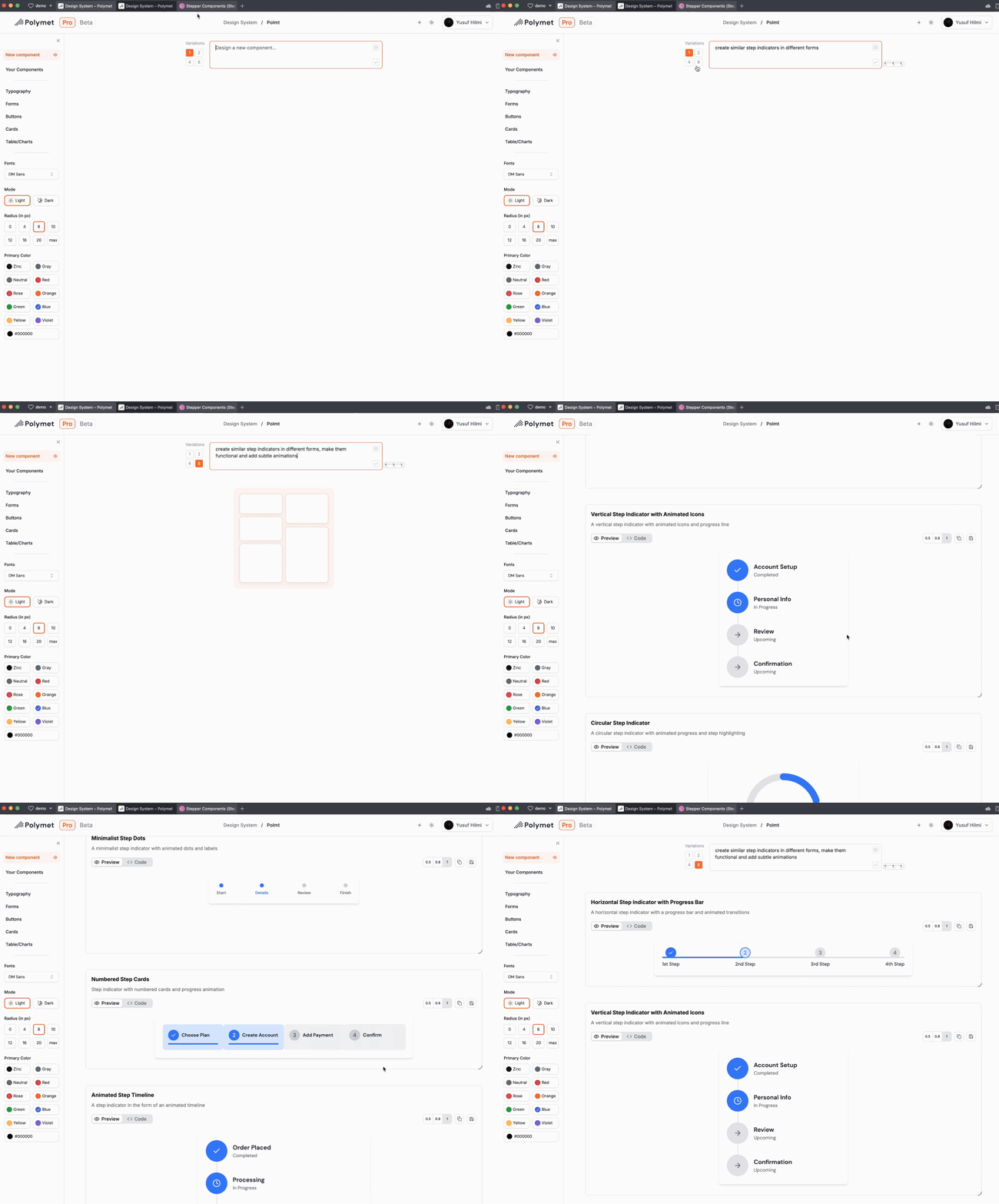
Explore a New UX Faster Create multiple variations: with each prompt to find the best user experienceImage to design: Upload reference images, sketches, or Figma designs and get started"create similar step indicators in different forms, make them functional, and add subtle animations" variations: 8
Production-Ready Frontend Code With Polymet , every design comes with high-quality frontend code that integrates with your existing codebase.
Save time and money: Polymet is better and faster than hiring a designer and a frontend engineerReduce time from designs to code for engineers
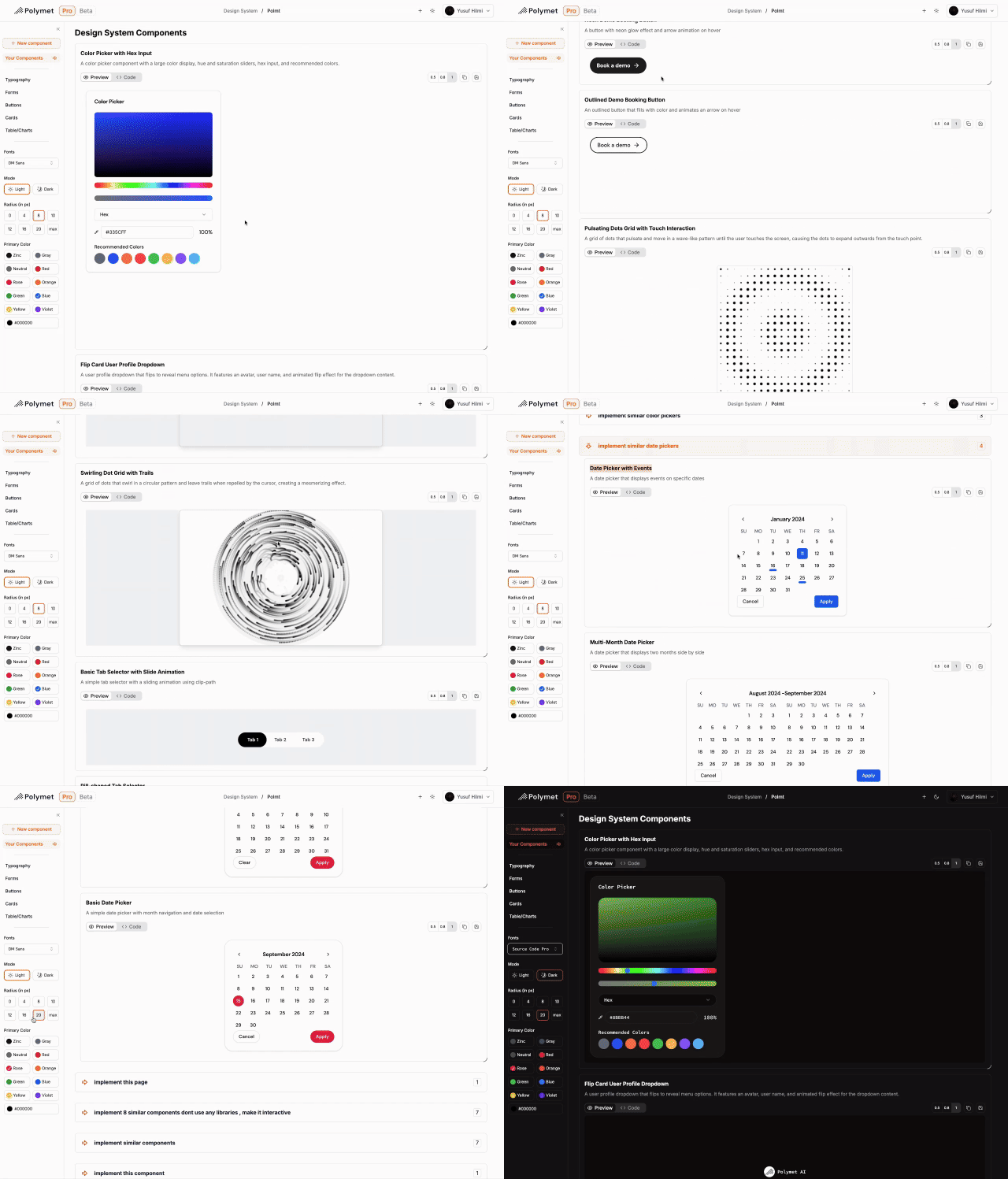
Get Creative Polymet lets you make cool, complex designs easily. Here are some examples of that:
Make fun color pickers Create dropdowns that move in interesting ways Design eye-catching loading animations Build tabs and buttons that respond smoothly Craft date pickers that are easy and fun to use
Image Credits: Polymet
Learn More
💪 Go ahead to app.polymet.ai , try it out, and share what you've designed and your feedback!
🆘 If you don’t want to hire a designer and need urgent help with design, hit up the founders!
🤝 If you’re in SF, they might visit your office with some “Turkish Baklava” and onboard you personally :)
🙌 Introduce the founders to companies who are building out their component libraries and design systems, likely right before or after Series A
📅 If you’re working at one of these companies and want to see the enterprise version, schedule a call: cal.com/yus-hilmi/onboarding 👣 Follow Polymet on LinkedIn .
Lorem ipsum dolor sit amet, consectetur adipiscing elit. Suspendisse varius enim in eros elementum tristique. Duis cursus, mi quis viverra ornare, eros dolor interdum nulla, ut commodo diam libero vitae erat. Aenean faucibus nibh et justo cursus id rutrum lorem imperdiet. Nunc ut sem vitae risus tristique posuere.
.png)