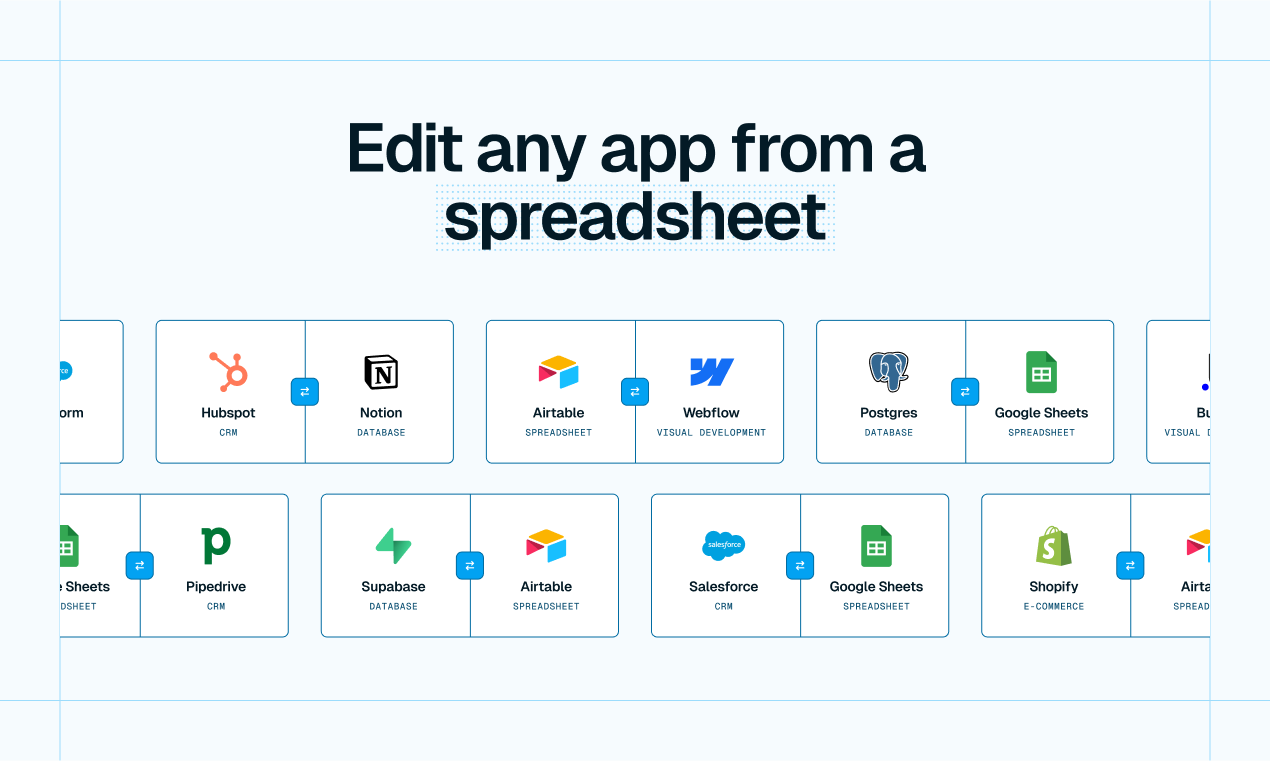
TL;DR: Whalesync gives your spreadsheet edit access to data in apps like HubSpot, Webflow, and Supabase. This way, you can bulk edit, collaborate, or build AI workflows directly from Airtable, Notion, or Google Sheets. It's a little scary... but also super powerful ;)
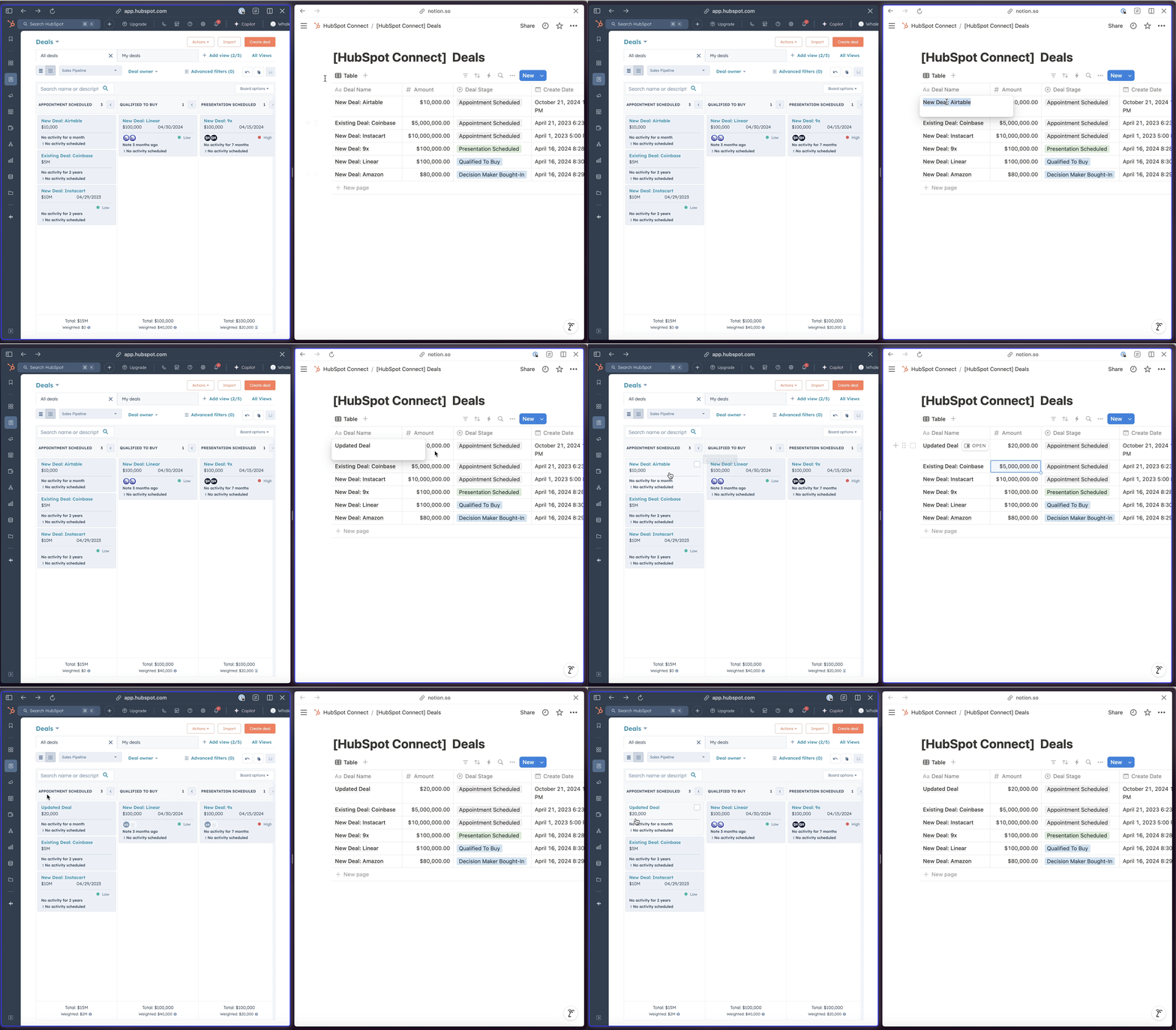
Here’s a Notion database updating deals directly in HubSpot:
Spreadsheets like Google Sheets, Airtable, and Notion are super flexible, require practically no learning curve, and let you view and update records in bulk.
When you connect these tools with your business apps (like your CRM, CMS, or database), you basically get spreadsheet superpowers ✨.
Common use cases
Hundreds of companies, including Webflow, Descript, and Clay, use Whalesync to work faster by:
Enriching CRM leads with AI from a spreadsheet (HubSpot + Notion)
Creating thousands of programmatic SEO pages from a spreadsheet (Webflow + Airtable)
Creating internal tools without any engineers (Supabase + Airtable)
Updating deal statuses from a spreadsheet (Affinity + Google Sheets)
Giving clients an easy way to update projects (Notion + Google Sheets)
How it works
Connect your app and your spreadsheet.
Map the tables and fields you want to sync.
Turn it on, and your data syncs into your spreadsheet. Then you can start editing/creating.
Lorem ipsum dolor sit amet, consectetur adipiscing elit. Suspendisse varius enim in eros elementum tristique. Duis cursus, mi quis viverra ornare, eros dolor interdum nulla, ut commodo diam libero vitae erat. Aenean faucibus nibh et justo cursus id rutrum lorem imperdiet. Nunc ut sem vitae risus tristique posuere.
.png)